
U.S. passport card
U.S. Passport Card Photo Requirements and Maker
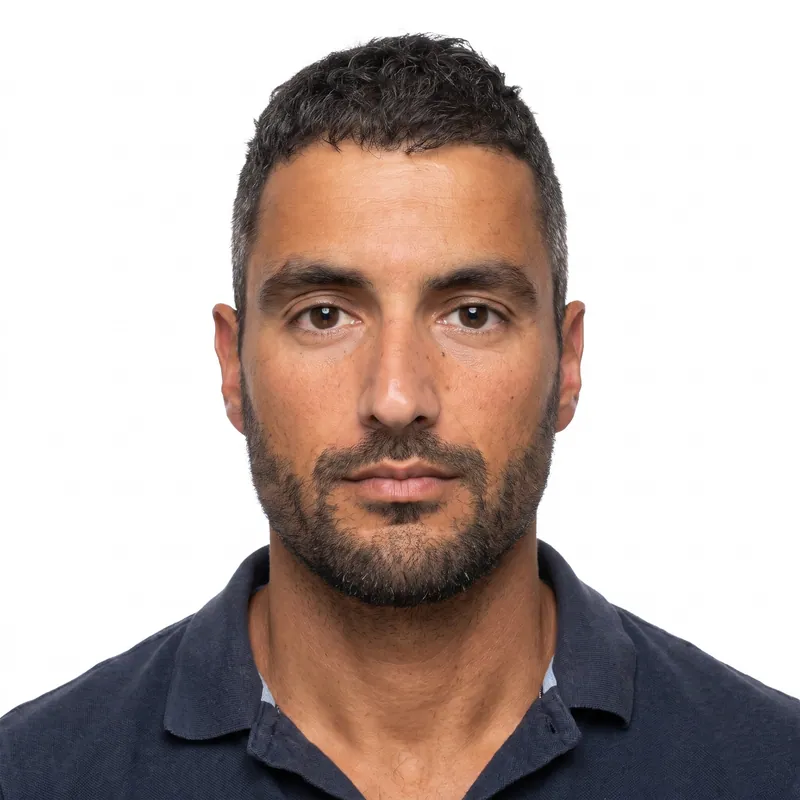
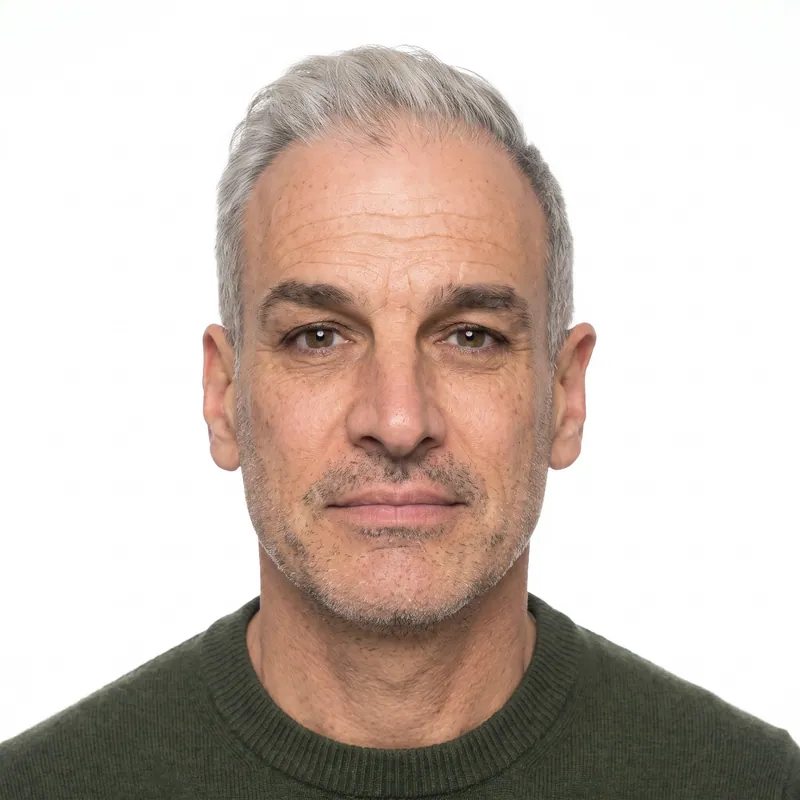
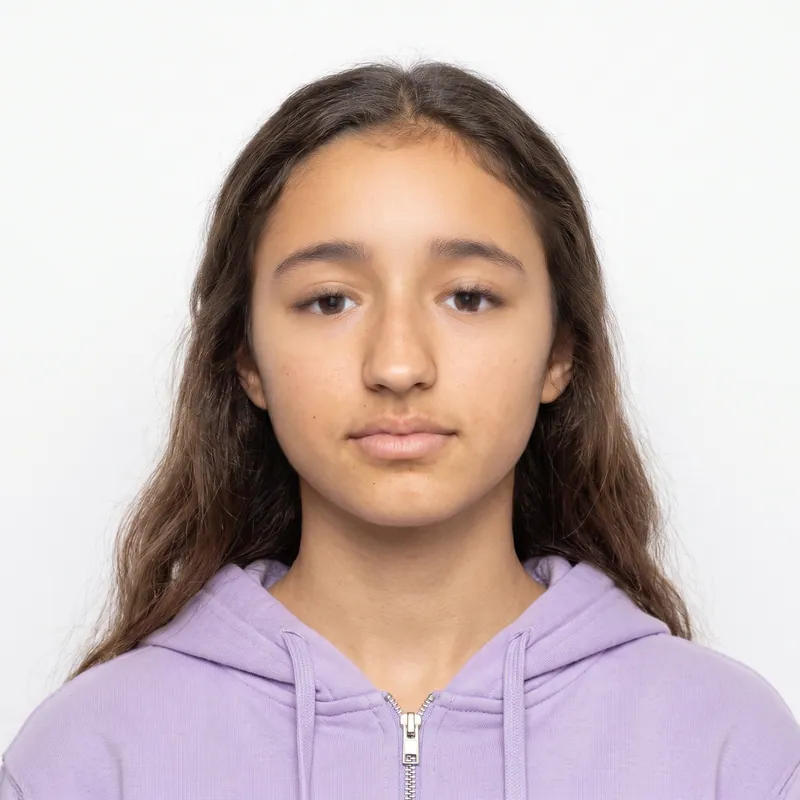
A U.S. passport card photo uses exactly the same rules as the passport book photo: 2 x 2 inches, head 1 to 1 3/8 inches tall, a plain white or off-white background, taken within 6 months, and no glasses. If you apply for a book and a card at the same time, you need only one photo. PhotoForPass makes it from a phone photo in about a minute.
- 14-day money-back guarantee
- Photo stays on your device until you pay
- Checked against official rules
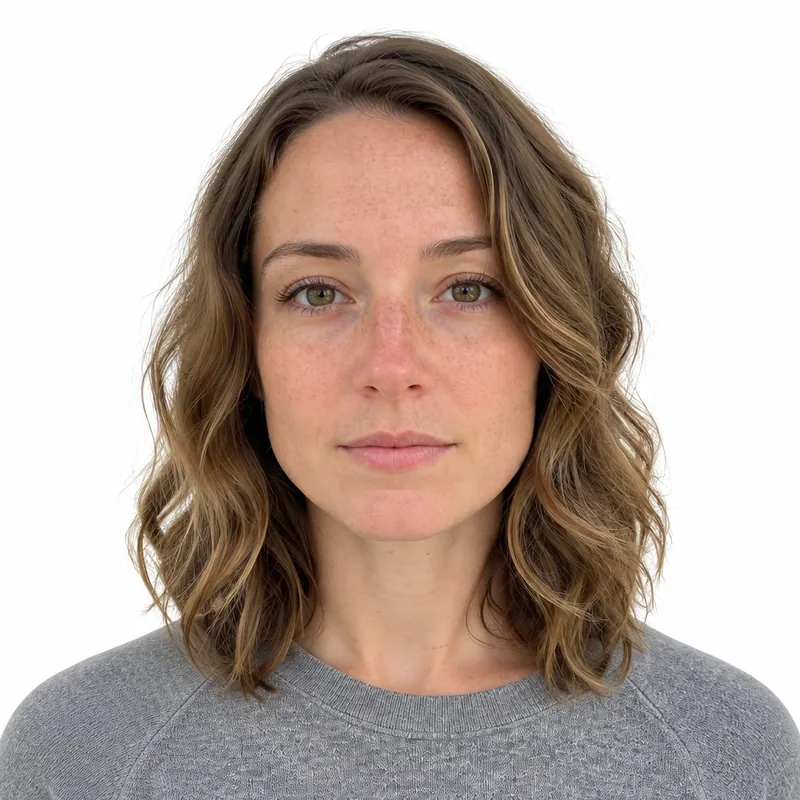
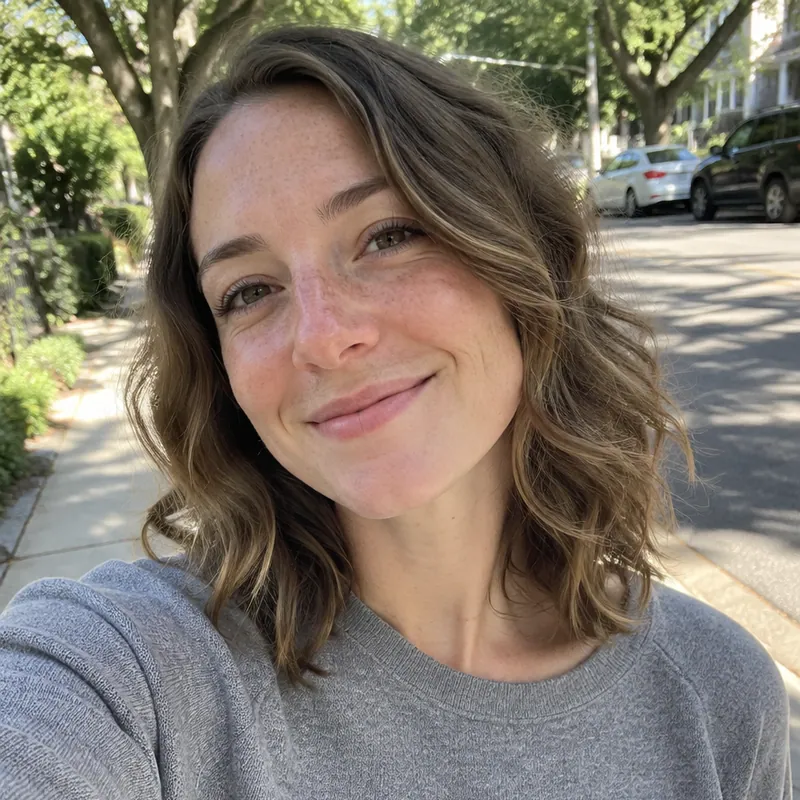
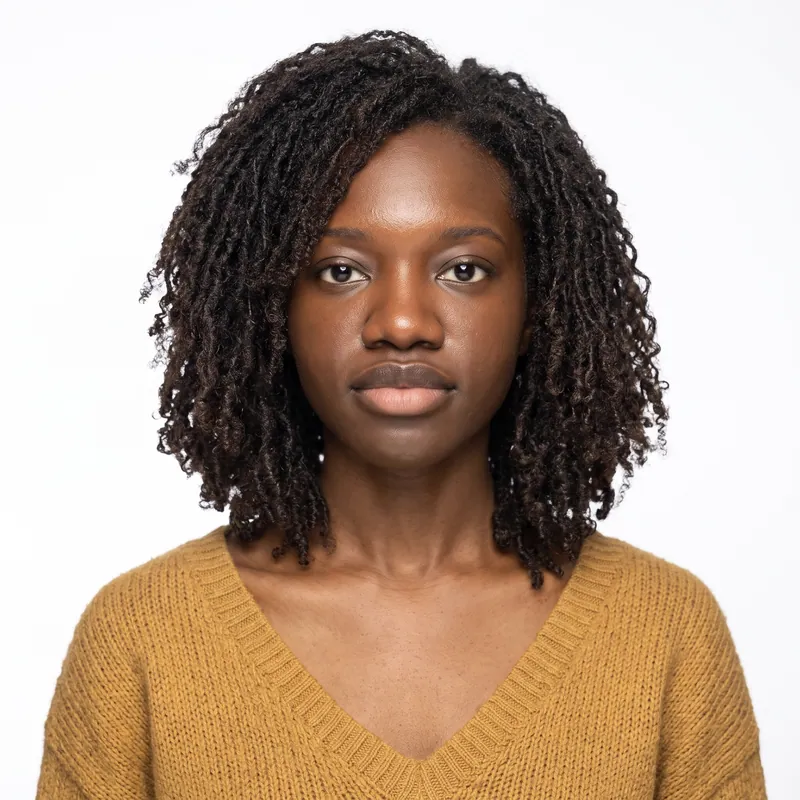
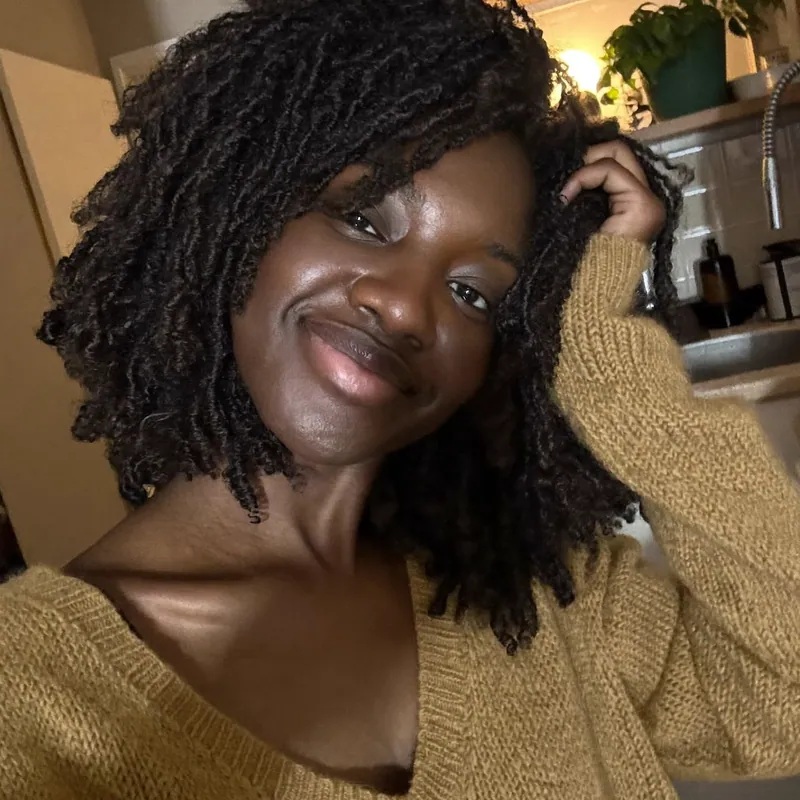
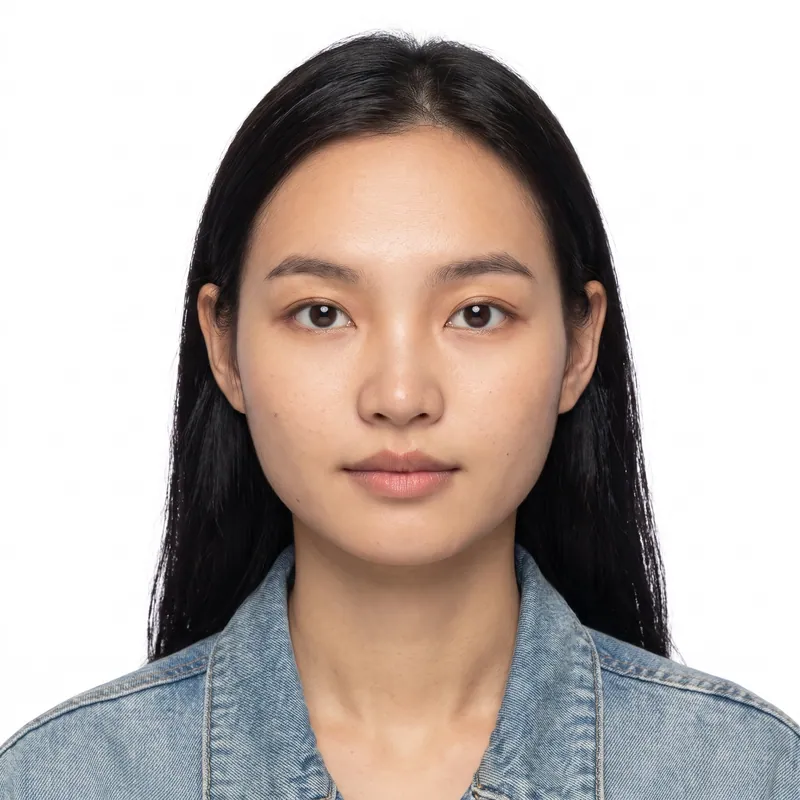
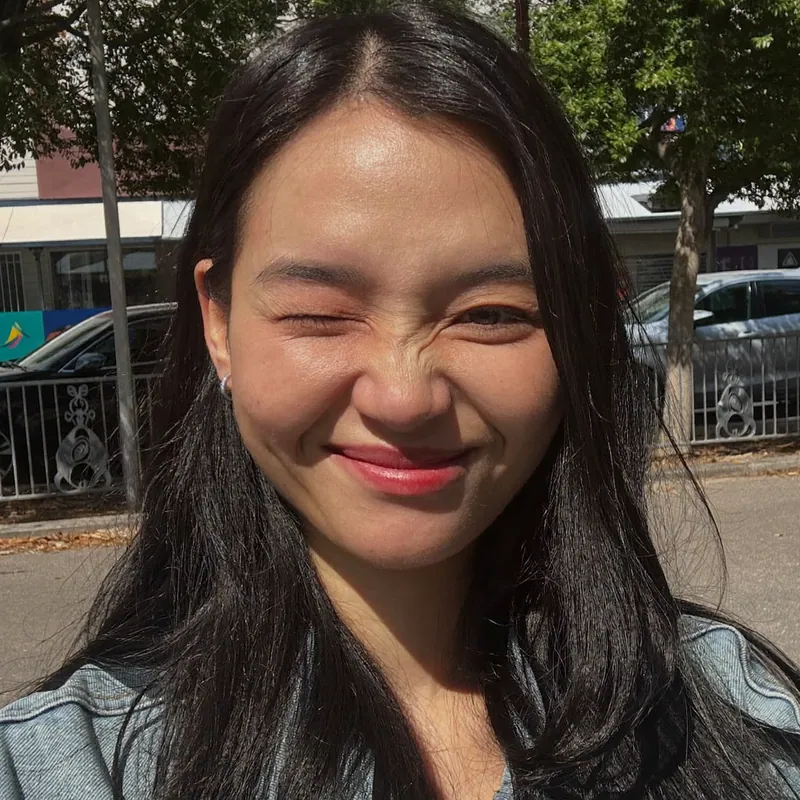
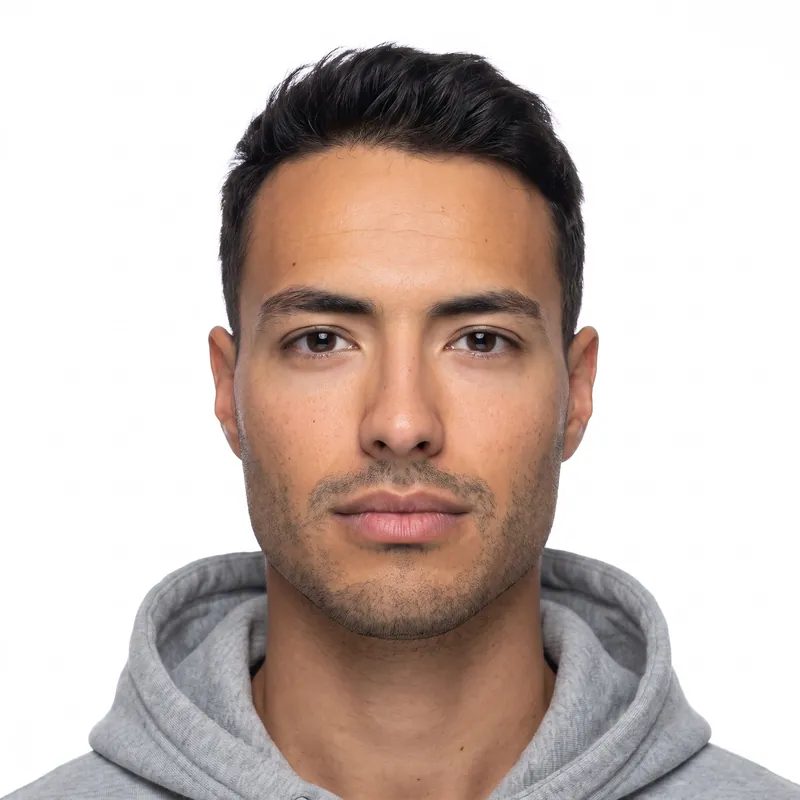

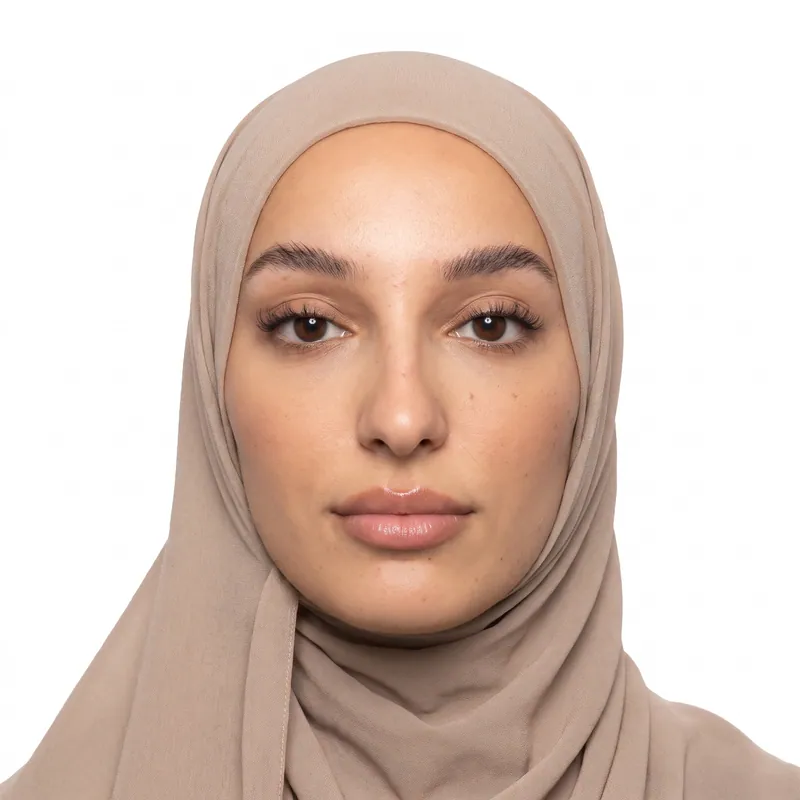


Key takeaways
- There is no separate passport card photo size. The card uses the same 2 x 2 inch photo and rules as the passport book.
- Applying for a book and a card together? One photo covers both on the same DS-11 or DS-82.
- Do not print a smaller photo because the card is small. The State Department shrinks the image for the card itself.
- Uniforms, camouflage and clothing that looks like a uniform are banned in passport card photos, just like in book photos.
At a glance
- Size
- 2 x 2 inches (51 x 51 mm), same as the book
- Head height
- 1 to 1 3/8 in (25 to 35 mm), chin to top of head
- Eye line
- 1 1/8 to 1 3/8 in (28 to 35 mm) from the bottom
- Background
- Plain white or off-white, no shadows
- Taken
- Within the last 6 months
- Glasses
- Not allowed, except with a doctor's statement
- Photos needed
- 1, even for a book and card together
- Online renewal file
- JPG, PNG, HEIC or HEIF, 54 KB to 10 MB
- Photo size
- 2 x 2 in (50.8 x 50.8 mm)
- Head heightchin to top of head
- 1 to 1 3/8 in (25.4 to 34.9 mm)
- Eye linefrom the bottom edge
- 1 1/8 to 1 3/8 in (28.6 to 34.9 mm)
- Background
- Plain white or off-white, no shadows, texture or objects.
- Glasses
- Not allowed.
- Expression
- Neutral or a natural, unexaggerated smile.
- Taken
- Taken within the last 6 months.
- Digital file
- JPG, PNG, HEIC · 54 KB to 10 MB
Passport card photo requirements
The State Department does not publish a separate passport card photo spec. Its forms and the Foreign Affairs Manual (8 FAM 402.1) treat card and book photos the same way, and the manual applies its clothing rules to 'regular passport books and passport cards' together.
So every rule you may know for a passport photo applies here. The image printed on the card is much smaller than 2 x 2 inches, but you still submit a full 2 x 2 inch photo, and the State Department handles the resizing.
| Requirement | Passport card rule |
|---|---|
| Size | 2 x 2 in (51 x 51 mm), color |
| Head height | 1 to 1 3/8 in (25 to 35 mm), chin to top of head, hair included |
| Eye line | 1 1/8 to 1 3/8 in (28 to 35 mm) up from the bottom edge |
| Background | Plain white or off-white, no shadows, texture or objects |
| Expression | Neutral or a natural smile, both eyes open, facing the camera |
| Glasses | Not allowed unless a doctor's statement says they cannot be removed |
| Head covering | Daily religious or medical use only, with a signed statement; full face visible |
| Clothing | Everyday clothes; no uniforms, uniform-like clothing or camouflage |
| Recency | Taken within the last 6 months |
| Paper | Matte or glossy photo quality paper |
| Edits | No filters, retouching or red-eye |
Passport card vs passport book: same photo, different uses
The card and the book share a photo, but they do different jobs. Knowing the difference helps you decide whether to order one or both on the same application.
The passport card is a wallet-sized ID for land and sea crossings to Canada, Mexico, the Caribbean and Bermuda. It cannot be used for international flights. The passport book works for all international travel, including by air. Many people carry the card as everyday federal ID; TSA accepts it at airport security for domestic flights. If you were planning a REAL ID only for flying, our REAL ID photo guide explains how that photo works instead.
| Feature | Passport card | Passport book |
|---|---|---|
| Photo | 2 x 2 in, same rules | 2 x 2 in, same rules |
| International flights | No | Yes |
| Land and sea to Canada, Mexico, Caribbean, Bermuda | Yes | Yes |
| Format | Wallet-sized card | Booklet |
| Forms | DS-11, DS-82 or online renewal | DS-11, DS-82 or online renewal |
| Photos if you order both | 1 photo in total | 1 photo in total |
Common passport card photo mistakes
Passport card photos get rejected for the same reasons as book photos, plus one that is unique to the card: people assume a small card needs a small photo.
- Printing the wrong size. A 1 inch or wallet-size print will not work. Submit a full 2 x 2 inch photo.
- Reusing an ID photo. A copy of your driver's license or old passport photo is too old, too small and too low quality.
- Work uniform or camouflage. 8 FAM 402.1 bans uniforms, clothing that looks like a uniform and camouflage on cards and books.
- Glasses. Remove them unless you have a medical statement from your doctor.
- Shadows and uneven light. A ceiling lamp creates dark eye sockets; a side lamp creates a shadow on the wall.
- Head too small. Arm's length selfies often leave the head under 1 inch after cropping.
- Filters and beauty modes. Any retouching, including skin smoothing, is not allowed.
Want to test your own photo first? The passport photo checker runs these checks in your browser without uploading anything.
Printed photo or digital file: which one you need
Most passport card applications need a print. First-time applicants use Form DS-11 in person and adults renewing by mail use Form DS-82; both take one printed 2 x 2 inch photo, stapled in the photo box on the form.
If you are eligible to renew online, you can renew a card that way and upload a digital file instead. The online renewal system lists JPG, JPEG, PNG, HEIC and HEIF files from 54 KB to 10 MB. Our online renewal photo guide covers the upload in detail.
Not sure which route you will take? The Photo + print sheet package gives you both the digital JPG and a 4x6 sheet that fits six 2 x 2 photos borderless, or two with cut guides.
How PhotoForPass makes your passport card photo
PhotoForPass builds your passport card photo to the same U.S. rules as a book photo and checks it before you pay.
- Check in your browser. Face size, centering, tilt, open eyes, closed mouth, lighting, shadows, blur and background are checked on your device. Nothing is uploaded until you pay.
- Fix and format. After payment, our editing tool crops to 2 x 2 inches, sets the head height and eye line inside the official ranges and replaces the background with plain white. Your face is never retouched.
- Download. The file is ready in 30 to 60 seconds. Choose the Digital photo for $16.95, or Photo + print sheet for $18.95 if you need prints for DS-11 or DS-82.
You get up to 5 photo checks and 3 free redos per person, a 14-day money-back guarantee with no questions asked, and a full refund if the agency rejects the photo. PhotoForPass is not affiliated with the U.S. Department of State, and final acceptance is up to the agency.
How to take a passport card photo at home
About 5 minutes
-
Step 1: Choose a bright, plain spot
Face a window during the day with a light, plain wall behind you. Daylight from the front gives an even face without dark eye shadows.
-
Step 2: Clear your face
Take off glasses, hats and earbuds, and move hair away from your eyes. Wear everyday clothes in a color that contrasts with white, and skip anything that looks like a uniform.
-
Step 3: Position the camera
Have someone hold the phone at eye level about 4 feet away, or prop it up and use the timer. Frame your head and the top of your shoulders.
-
Step 4: Pose straight on
Look directly at the lens with your head level, both eyes open and a neutral face or a slight natural smile. Take a few shots and keep the sharpest.
-
Step 5: Create the 2 x 2 photo
Upload the photo to PhotoForPass. After the browser checks pass, our editing tool crops it to 2 x 2 inches, positions your head and replaces the background with white.
-
Step 6: Print or upload
Print the 4x6 sheet at CVS, Walgreens, Walmart or at home for DS-11 or DS-82, and cut out one photo. For online renewal, upload the original JPG.
Pricing
Simple prices, no subscription
Pay once, only when you like the result. Every package includes up to 5 photo checks and 3 free redos per person.
-
Digital photo
For online forms only
$16.95- Official-size digital JPG
- Ready for online applications
- Up to 5 checks, 3 free redos
- Most popular
Photo + print sheet
Digital file and prints
$18.95- Everything in Digital
- Print-ready 4x6 sheet (JPG + PDF)
- Print at home, CVS, Walgreens or Walmart
-
Family pack, 2 people
Two people, one order
$29.95- Photo + print sheet for 2 people
- Each person checked separately
- One checkout
- Best value
Family pack, 3 people
Three people, one order
$39.95- Photo + print sheet for 3 people
- Each person checked separately
- One checkout
FAQ
Frequently asked questions
Is a passport card photo the same as a passport photo?
Yes. A U.S. passport card photo follows exactly the same rules as a passport book photo: 2 x 2 inches, head 1 to 1 3/8 inches from chin to top of head, a plain white or off-white background, no glasses and taken within the last 6 months. The State Department does not publish separate card photo rules.
What size is a U.S. passport card photo?
A U.S. passport card photo is 2 x 2 inches (51 x 51 mm), the same as a passport book photo. The image printed on the card is smaller, but you submit the full 2 x 2 inch photo and the State Department resizes it. Do not print a smaller photo because the card itself is small.
Do I need two photos if I apply for a passport book and card?
No. When you apply for a U.S. passport book and passport card at the same time on Form DS-11 or DS-82, you submit one 2 x 2 inch photo. The State Department uses that single photo for both documents, so one print from your 4x6 sheet is all the application needs.
Can I renew my passport card online?
If you meet the State Department's online renewal eligibility rules, you can renew a passport card online and upload a digital photo instead of a print. The file limits are the same as for a book: JPG, JPEG, PNG, HEIC or HEIF, from 54 KB to 10 MB. Check the eligibility list on travel.state.gov first.
Can I wear glasses in my passport card photo?
No. Glasses are not allowed in U.S. passport card photos, the same as passport book photos. The only exception is a medical reason that prevents removing them, which needs a signed doctor's statement. Take your glasses off before the photo, even if the lenses are clear.
Can I use my driver's license photo for a passport card?
No. A passport card needs a new 2 x 2 inch color photo taken within the last 6 months. A copy or scan of a driver's license or old passport photo is too small, too low in quality and usually too old. Take a fresh photo at home and let PhotoForPass format it.
Can I wear my work uniform in a passport card photo?
No. The Foreign Affairs Manual (8 FAM 402.1) does not allow uniforms, clothing that looks like a uniform or camouflage in photos for passport books and passport cards. Wear everyday clothes instead. Religious clothing worn daily is a separate case with its own rules.
Can I use a passport card to fly?
Not internationally. The U.S. passport card is valid for land and sea crossings to Canada, Mexico, the Caribbean and Bermuda, but not for international flights. TSA accepts the passport card as ID at airport security for domestic flights. For flights abroad you need a passport book.
Can I smile in my passport card photo?
A natural, unexaggerated smile is allowed in a U.S. passport card photo. Keep both eyes open and look straight at the camera. Big toothy grins, squinting or raised eyebrows can make the photo fail, so a relaxed neutral face or a small closed-mouth smile is safest.
Where can I print a passport card photo?
Print the PhotoForPass 4x6 sheet at a CVS, Walgreens or Walmart photo counter, or at home on matte or glossy photo paper. Borderless printing fits six 2 x 2 inch photos on one sheet; printing with cut guides fits two. Cut along the guides so the photo is exactly 2 x 2 inches.
How much does a passport card photo cost with PhotoForPass?
A passport card photo from PhotoForPass costs $16.95 for the digital JPG or $18.95 for the digital JPG plus a print-ready 4x6 sheet. It is a one-time payment, with no subscription. Every order includes up to 5 photo checks, 3 free redos and a 14-day money-back guarantee.
Related
- Photo requirements Every U.S. rule in one place
- Online renewal photo Digital photo for the online renewal system
- REAL ID photo Why the DMV takes it at your visit
- 2x2 photo maker Any 2 x 2 inch photo in about a minute
- Print your photos Print a 4x6 sheet at home or in store
- Passport photo checker Check a photo against the rules
- What to wear Clothes that photograph well
- Digital passport photo A file sized for online forms
Official sources
We check these pages when the rules change. Last updated Nov 8, 2026.
Ready when you are
Get your passport card photo
One photo covers your passport card and book. Check it in your browser, then download a 2 x 2 file and print sheet in about a minute.
- 14-day money-back guarantee
- Photo stays on your device until you pay
- Checked against official rules
Every document
Photos for passports, visas and IDs
Each document has its own size and rules. Pick yours and we set everything up.