
Permanent residence
Green Card Photo Requirements for Form I-485
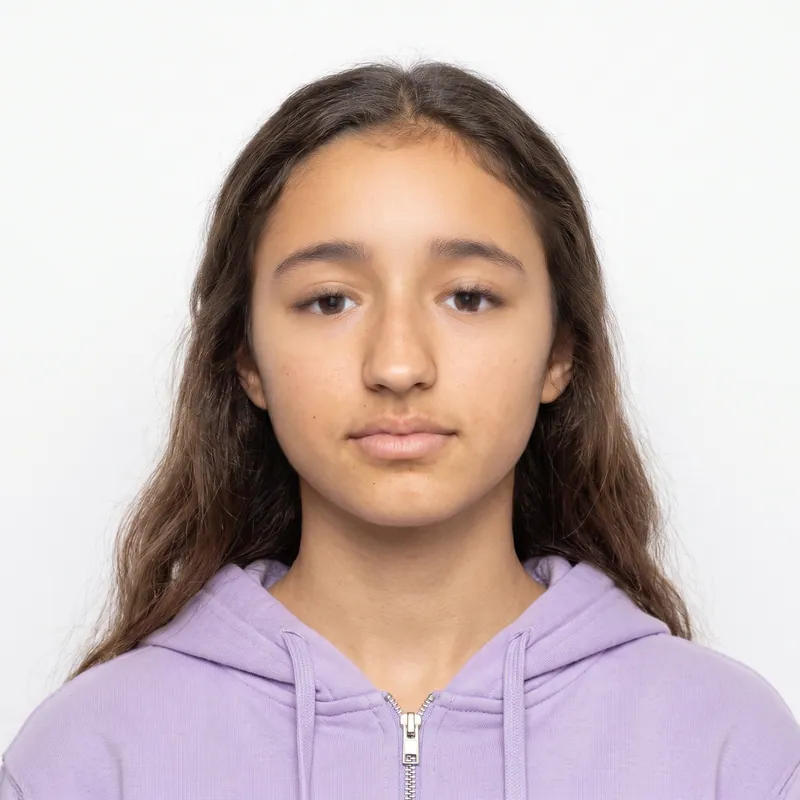
A green card photo is a 2 x 2 inch color print with your head 1 to 1 3/8 inches tall and your eyes 1 1/8 to 1 3/8 inches from the bottom, on a white to off-white background. Form I-485 asks for two identical photos, unmounted and unretouched, with your name and A-Number written lightly on the back. PhotoForPass makes a print-ready sheet from a phone photo in about a minute.
- 14-day money-back guarantee
- Photo stays on your device until you pay
- Checked against official rules


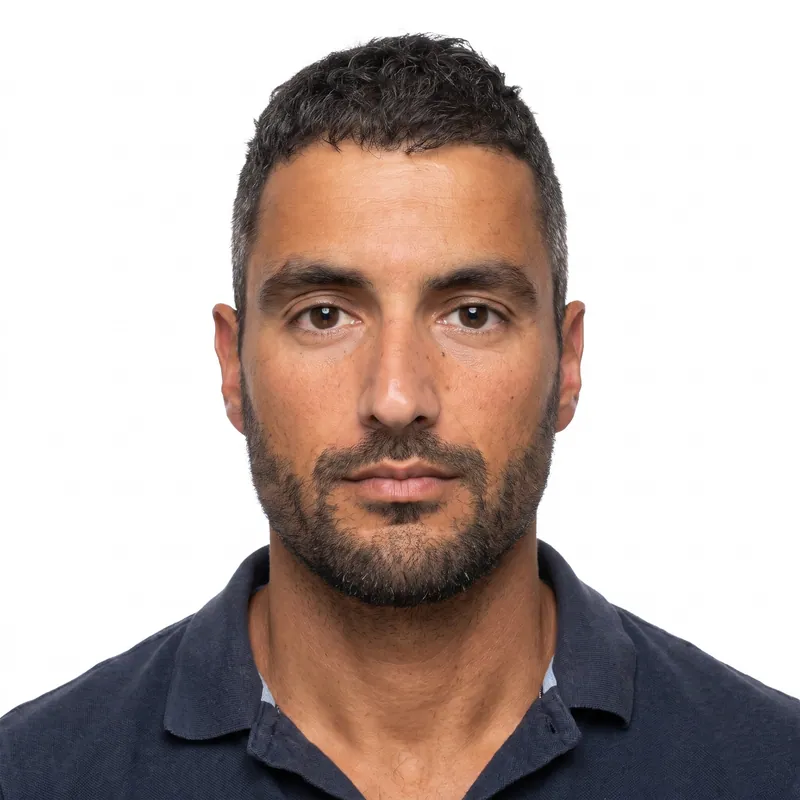

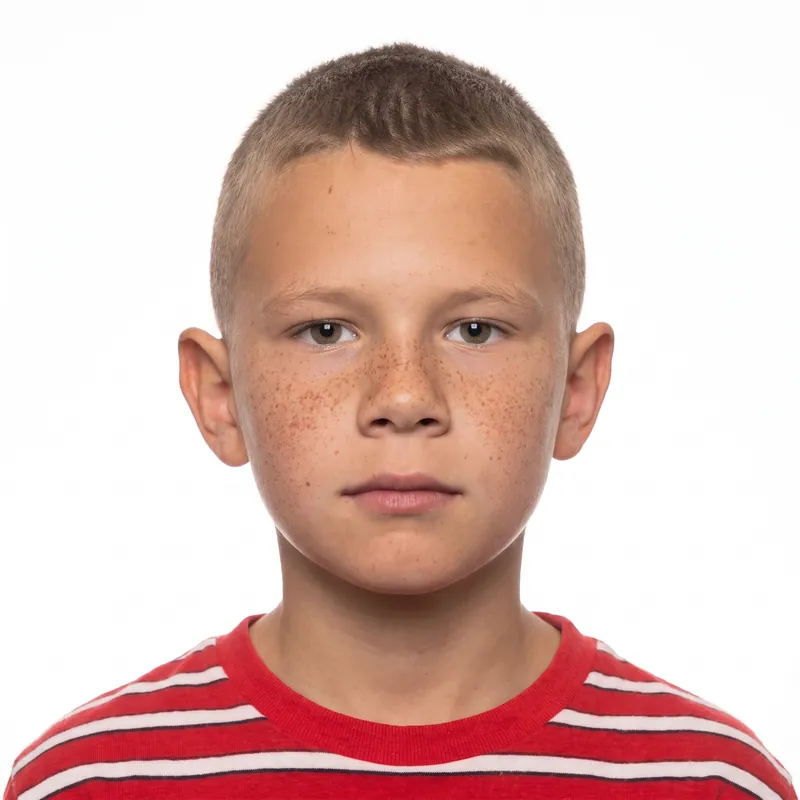


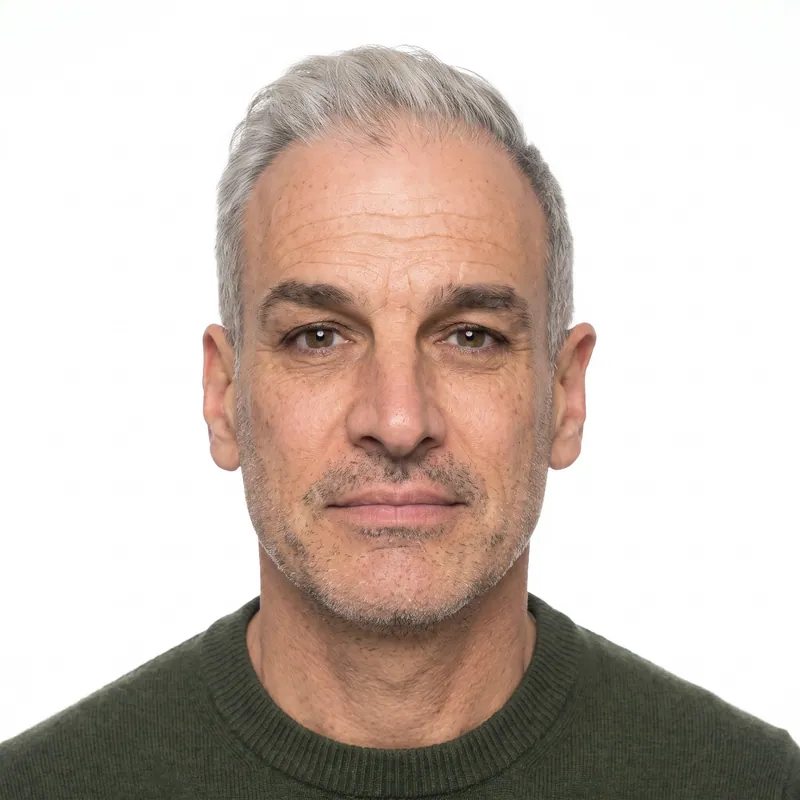
Key takeaways
- Green card photos are 2 x 2 inch color prints on a white to off-white background, with the head 1 to 1 3/8 inches tall.
- Form I-485 needs two identical photos. If you file Form I-765 with it, that form needs its own two photos.
- Renewing or replacing a green card on Form I-90 needs no photos, because USCIS takes your photo at the biometrics appointment.
- Since December 12, 2025, USCIS does not use self-submitted photos to make green cards. The card photo comes from your biometrics appointment, but Form I-485 still asks for two mailed photos.
- USCIS does not mention glasses, but it follows State Department passport standards, which ban them. Take them off.
At a glance
- Size
- 2 x 2 inches (51 x 51 mm), color
- Head height
- 1 to 1 3/8 in, top of hair to bottom of chin
- Eye line
- 1 1/8 to 1 3/8 in from the bottom of the photo
- Background
- White to off-white
- Photos per form
- 2 identical photos for I-485, and 2 more for I-765
- Paper
- Thin paper with a glossy finish, unmounted, unretouched
- Back of photo
- Name and A-Number, lightly in pencil or felt pen
- I-90 renewal
- No photos: USCIS takes your photo at biometrics
- Photo size
- 2 x 2 in (50.8 x 50.8 mm)
- Head heightchin to top of head
- 1 to 1 3/8 in (25.4 to 34.9 mm)
- Eye linefrom the bottom edge
- 1 1/8 to 1 3/8 in (28.6 to 34.9 mm)
- Background
- White to off-white.
- Glasses
- USCIS instructions do not mention glasses.
- Expression
- Full face, frontal view.
- Taken
- 'Taken recently' (no fixed number of days in current instructions).
Green card photo requirements
USCIS prints the same photo paragraph in the instructions for Form I-485, Form I-765 and Form N-400. It sets the size, head height, eye line and background, plus how the prints must be finished and labeled.
Two details are not spelled out. The instructions do not mention glasses, so we recommend removing them, in line with the State Department passport standards USCIS refers to. They also say photos must be taken 'recently' without a fixed number of days, so take new photos shortly before you file, and follow any time limit the edition of the form you use gives.
| Requirement | Green card photo rule |
|---|---|
| Size | 2 x 2 in (51 x 51 mm), color |
| Head height | 1 to 1 3/8 in (25 to 35 mm), from the top of the hair to the bottom of the chin |
| Eye line | 1 1/8 to 1 3/8 in (28 to 35 mm) from the bottom of the photo |
| Background | White to off-white |
| Pose | Full face, frontal view |
| Head covering | Head bare unless your religious denomination requires headwear |
| Glasses | Not mentioned by USCIS; remove them to match State Department standards |
| Number | Two identical photos per form that asks for them |
| Paper | Thin paper with a glossy finish, unmounted and unretouched |
| Labeling | Name and A-Number (if any) lightly on the back, in pencil or felt pen |
| Recency | Taken recently; we recommend new photos for each filing |
Which green card forms need photos
Not every green card form needs photos, and the ones that do each want their own set. Count your photos per form, per person, before you print.
A common example: one person filing Form I-485 together with Form I-765 needs four identical photos. A single 4x6 sheet printed borderless holds six 2 x 2 photos, so one sheet covers both forms with two to spare. Every family member who files their own I-485 needs their own photos.
Filing a work permit or travel document with your green card case? Our work permit photo guide and I-131 travel document photo guide cover those forms, and the USCIS photo hub lists every form that asks for photos.
| Form | Photos | Notes |
|---|---|---|
| I-485, Adjustment of Status | 2 identical | Mailed with the application |
| I-765, Employment Authorization | 2 identical | A separate set, even when filed with the I-485 |
| I-131, travel document (such as advance parole) | 2 in some cases | Advance parole or TPS travel filed in the U.S.; none for re-entry permits |
| I-90, renew or replace a green card | None | USCIS takes your photo at the biometrics appointment |
| Forms filed online | Follow the evidence screens | Upload a photo if asked; USCIS takes your card photo at biometrics |
Your green card photo and the December 2025 USCIS policy
The photos you mail with Form I-485 and the photo printed on your green card are not the same picture. In Policy Alert PA-2025-29, dated December 12, 2025, USCIS said it will not use or reuse self-submitted photographs to make secure documents, and its news alert added that only photos taken by USCIS or other authorized entities will be used.
The alert also lists Form I-485 and Form I-90 among the forms that always need new biometrics, including a new photograph. So after you file, expect a notice to visit an Application Support Center, where USCIS takes the photo that goes on your card. USCIS may deny an application if you skip a required biometrics appointment.
The Form I-485 instructions still ask for two identical passport-style photos, so include them in your packet as instructed. Watch your mail and your online account for the biometrics notice.
Printing and labeling your green card photos
USCIS wants photos printed on thin paper with a glossy finish, unmounted and unretouched. That rules out photocopies, plain office paper and photos glued onto card stock.
Printing
Print our 4x6 sheet on glossy photo paper at a CVS, Walgreens or Walmart photo counter, or on a home photo printer. Borderless printing gives six 2 x 2 photos; with cut guides you get two. Cut exactly on the edges so each photo measures 2 x 2 inches.
Labeling
Lightly write your full name and your A-Number, if you have one, on the back of each photo in pencil or felt pen. Press gently: a ballpoint pressed hard can dent the front, and wet ink can smudge onto the other photos.
Identical means identical
Both photos for a form must come from the same shot. Two different selfies, even taken a minute apart, are not identical. Printing them from the same sheet solves this.
Why green card photos get sent back
A photo problem can lead USCIS to ask for new photos, which adds time to an application that already takes months. These are the issues to rule out before you mail your packet.
- Glasses. Not addressed in the USCIS text, but the safe choice is to remove them.
- Photos that do not match. Two different shots instead of two identical prints.
- Wrong paper. Photocopies, matte office paper or photos mounted on card stock.
- Head size. Too small when the photo was taken from far away, or too large when cropped tight. The head must be 1 to 1 3/8 inches.
- Background. Shadows, patterns, colored walls or visible objects behind you.
- Retouching. Filters, skin smoothing or edited features. USCIS asks for unretouched photos.
- Head covering. Hats and caps are not allowed; only headwear required by your religion.
- Old photos. A photo from years ago that no longer looks like you.
Want to test a photo you already have? The passport photo checker runs in your browser and works as a quick green card photo check.
How PhotoForPass makes your green card photos
PhotoForPass uses the USCIS measurements, head 1 to 1 3/8 inches from the top of the hair to the chin and eyes 1 1/8 to 1 3/8 inches from the bottom, and prepares a sheet ready for a glossy print.
- Check. Before you pay, the checks run in your browser: face size, centering, tilt, eyes, mouth, lighting, shadows, blur and background. Nothing is uploaded yet.
- Create. After payment, our editing tool crops to 2 x 2 inches, places your head and eyes inside the USCIS ranges and replaces the background with plain white. Your face is never retouched.
- Print. Photo + print sheet costs $18.95 and gives you the digital JPG plus a 4x6 sheet as JPG and PDF. The file is ready in 30 to 60 seconds.
Filing for the whole family? Family packs cover 2 people for $29.95 or 3 people for $39.95. Every order includes up to 5 photo checks and 3 free redos per person, a 14-day money-back guarantee with no questions asked, and a full refund if the agency rejects the photo. PhotoForPass is not affiliated with USCIS, and final acceptance is up to USCIS.
How to take green card photos at home
About 10 minutes
-
Step 1: Prepare the room
Stand facing a window in daylight with a plain white or light wall behind you. Turn off lamps that throw shadows from the side or from above.
-
Step 2: Get ready
Remove glasses, hats and earbuds. Keep religious headwear only if your religion requires it. Move hair off your face and wear everyday clothes that contrast with white.
-
Step 3: Take the photo
Have someone hold the phone at eye level about 4 feet away. Face the camera straight on, head level, eyes open, with a neutral expression. Take several shots.
-
Step 4: Create the 2 x 2 sheet
Upload the sharpest shot to PhotoForPass. After the browser checks, our editing tool crops it to 2 x 2 inches with USCIS head and eye positions and a white background.
-
Step 5: Print on glossy paper
Print the 4x6 sheet on glossy photo paper at CVS, Walgreens, Walmart or at home. One borderless sheet gives six identical photos, enough for I-485 and I-765.
-
Step 6: Cut, label and pack
Cut each photo to exactly 2 x 2 inches. Lightly write your name and A-Number on the back in pencil or felt pen, then include them with your forms as the instructions say.
Pricing
Simple prices, no subscription
Pay once, only when you like the result. Every package includes up to 5 photo checks and 3 free redos per person.
-
Digital photo
For online forms only
$16.95- Official-size digital JPG
- Ready for online applications
- Up to 5 checks, 3 free redos
- Most popular
Photo + print sheet
Digital file and prints
$18.95- Everything in Digital
- Print-ready 4x6 sheet (JPG + PDF)
- Print at home, CVS, Walgreens or Walmart
-
Family pack, 2 people
Two people, one order
$29.95- Photo + print sheet for 2 people
- Each person checked separately
- One checkout
- Best value
Family pack, 3 people
Three people, one order
$39.95- Photo + print sheet for 3 people
- Each person checked separately
- One checkout
FAQ
Frequently asked questions
What size is a green card photo?
A green card photo is 2 x 2 inches (51 x 51 mm) in color. USCIS asks for the head to measure 1 to 1 3/8 inches from the top of the hair to the bottom of the chin, and for the eyes to sit 1 1/8 to 1 3/8 inches from the bottom of the photo. The background must be white to off-white.
How many photos do I need for a green card application?
Form I-485 needs two identical passport-style photos. If you also file Form I-765 for a work permit, it needs its own two photos, and Form I-131 asks for two more if you request advance parole from inside the United States. Form I-90, used to renew or replace a green card, needs no photos. Each family member needs their own set.
Do I need photos to renew my green card?
No. Form I-90, the application to renew or replace a green card, does not ask you to mail photos. USCIS takes your photo at your biometrics appointment at an Application Support Center. You only need printed photos for forms whose instructions ask for them, such as Form I-485 and Form I-765.
Is the photo I mail used on my green card?
Generally no. Under USCIS Policy Alert PA-2025-29, dated December 12, 2025, USCIS will not use or reuse self-submitted photographs to make green cards and other secure documents. Form I-485 always requires new biometrics, so USCIS takes the photo for your card at your biometrics appointment. The Form I-485 instructions still ask you to mail two identical photos, so include them.
Can I wear glasses in a green card photo?
The USCIS instructions for green card photos do not mention glasses. USCIS refers to State Department passport standards, which do not allow glasses except for medical reasons with a doctor's statement. To avoid any risk of a request for new photos, take your glasses off for your green card photos.
How recent do green card photos need to be?
USCIS instructions say green card photos must be taken recently, and the current text does not set a fixed number of days. Take new photos shortly before you file, use the same new photos for every form in your packet, and follow any time limit stated in the edition of the form instructions you are using.
What do I write on the back of my green card photos?
Lightly write your full name and your A-Number, if you have one, on the back of each green card photo, using a pencil or a felt pen. Press gently so the writing does not show through or dent the front. Wet ink can smudge onto other photos, so let it dry before stacking.
Can I take my green card photos at home?
Yes. USCIS does not require a studio. Take a photo with your phone against a plain light wall in daylight, then use PhotoForPass to crop it to 2 x 2 inches with the USCIS head size and a white background. Print the 4x6 sheet on glossy photo paper at a pharmacy or at home.
Can I smile in my green card photo?
USCIS asks for a full face, frontal view and does not describe expressions in detail. The safest choice is a neutral expression or a slight, natural closed-mouth smile, with both eyes open and your head straight. Avoid a big toothy grin, squinting or tilting your head.
Can I wear a hijab or turban in my green card photo?
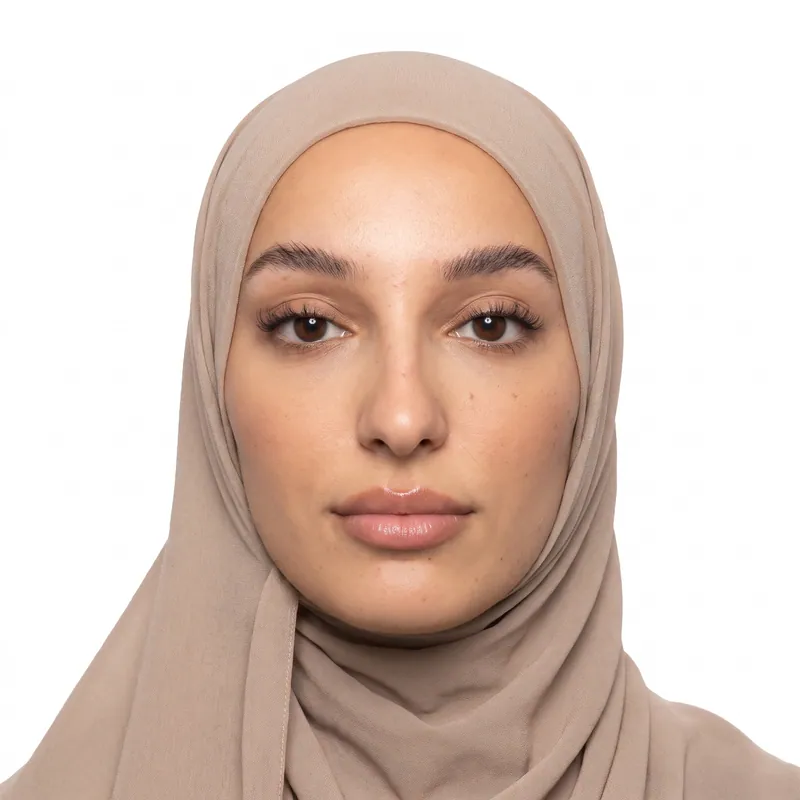
Yes, if your religious denomination requires the headwear. USCIS says the head must be bare unless religious headwear is required. Make sure your face is fully visible, from the chin to the forehead, and that the covering does not cast shadows on your face. Hats and caps worn for style are not allowed.
Should green card photos be glossy or matte?
USCIS asks for green card photos printed on thin paper with a glossy finish, unmounted and unretouched. Choose glossy photo paper at the CVS, Walgreens or Walmart photo counter, or on your home printer. Do not use plain office paper, photocopies or photos glued onto card stock.
Are green card photos the same as passport photos?
They are very close. Both are 2 x 2 inch color photos with the head 1 to 1 3/8 inches tall and a white to off-white background. Green card photos add USCIS details: two identical prints per form, thin glossy paper, unmounted, and your name and A-Number written lightly on the back.
Where can I get a photo for a green card near me?
Pharmacies and shipping stores near you take passport-style photos, but you can also make green card photos at home. PhotoForPass creates a 4x6 print sheet from your phone photo, which you can print at any nearby CVS, Walgreens or Walmart photo counter, often the same day. Our near me guide compares the options.
Related
- USCIS photo Passport-style photos for USCIS forms
- US visa photo DS-160 and DS-260 digital photo
- DV lottery photo Digital photo for the Diversity Visa entry
- 2x2 photo maker Any 2 x 2 inch photo in about a minute
- Print your photos Print a 4x6 sheet at home or in store
- Passport photo checker Check a photo against the rules
- Photos near me Store options compared
- Work permit photo (I-765) EAD card photos for USCIS
Official sources
We check these pages when the rules change. Last updated Nov 8, 2026.
- USCIS: Form I-485 Instructions (opens in a new tab)
- USCIS: Form I-765 Instructions (opens in a new tab)
- USCIS: Form I-90 Instructions (opens in a new tab)
- USCIS: Form N-400 Instructions (opens in a new tab)
- USCIS Policy Alert PA-2025-29: Photograph Reuse for Identity Documents (opens in a new tab)
- USCIS: New Photo Policy Helps Prevent Immigration Fraud (December 12, 2025) (opens in a new tab)
Ready when you are
Make your green card photos
Take one photo, check it in your browser, and get a glossy-print-ready sheet of identical 2 x 2 photos in about a minute.
- 14-day money-back guarantee
- Photo stays on your device until you pay
- Checked against official rules
Every document
Photos for passports, visas and IDs
Each document has its own size and rules. Pick yours and we set everything up.