Diversity Visa program
Diversity Visa (DV) Lottery Photo Requirements
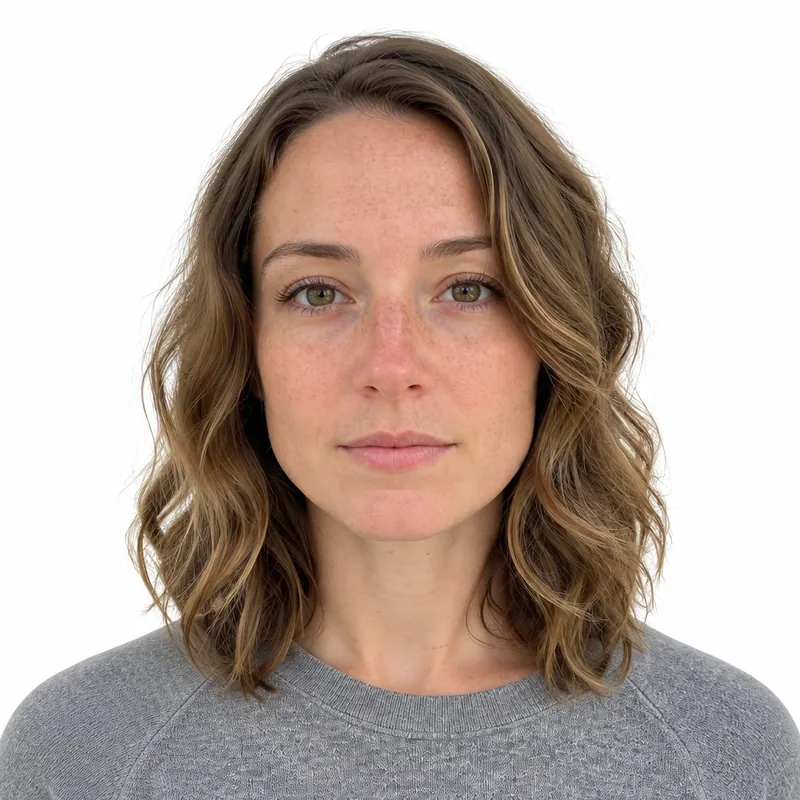
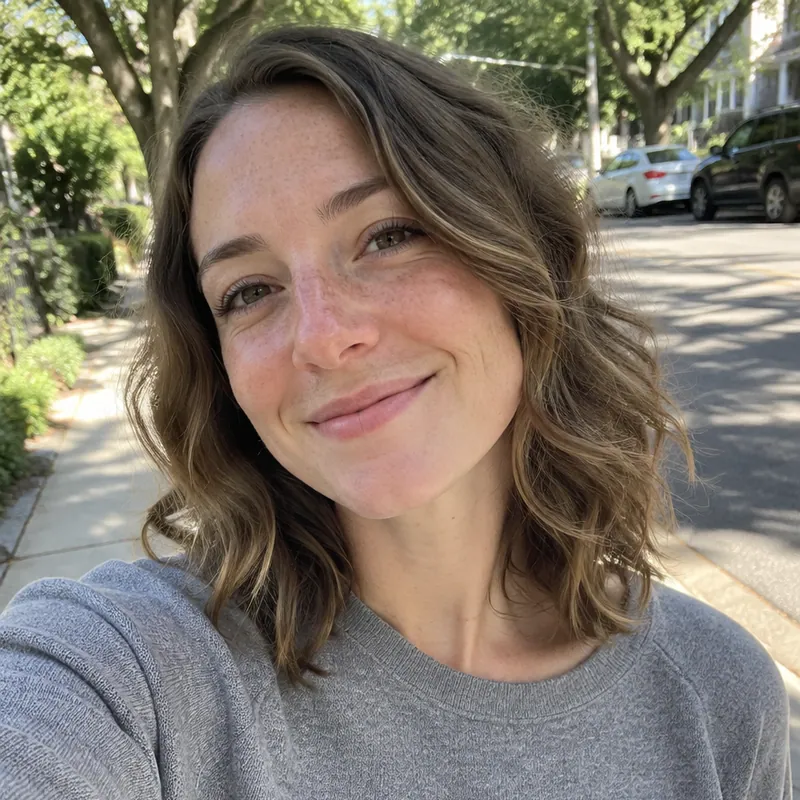
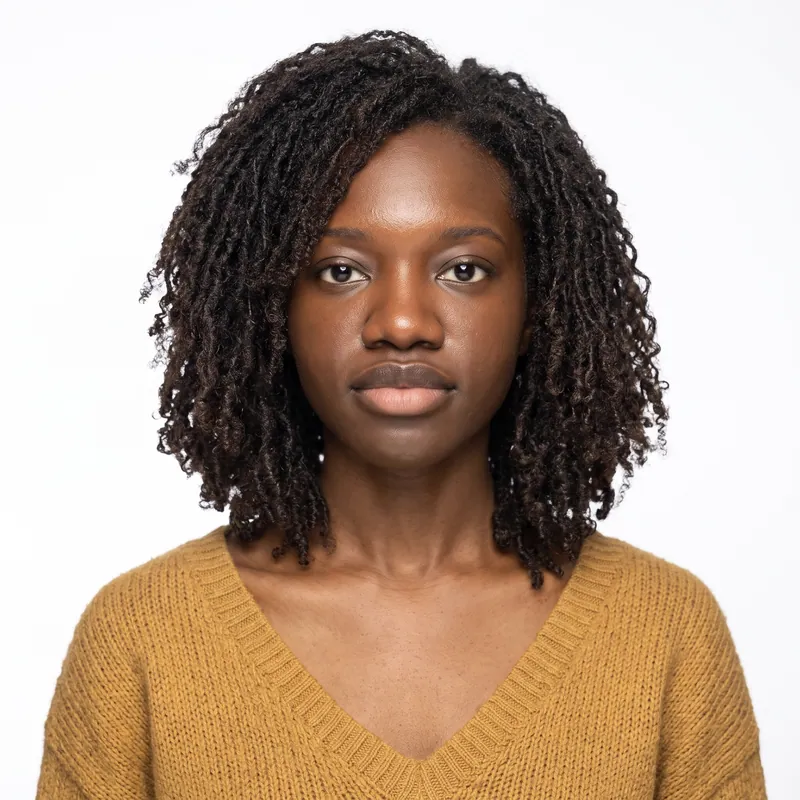
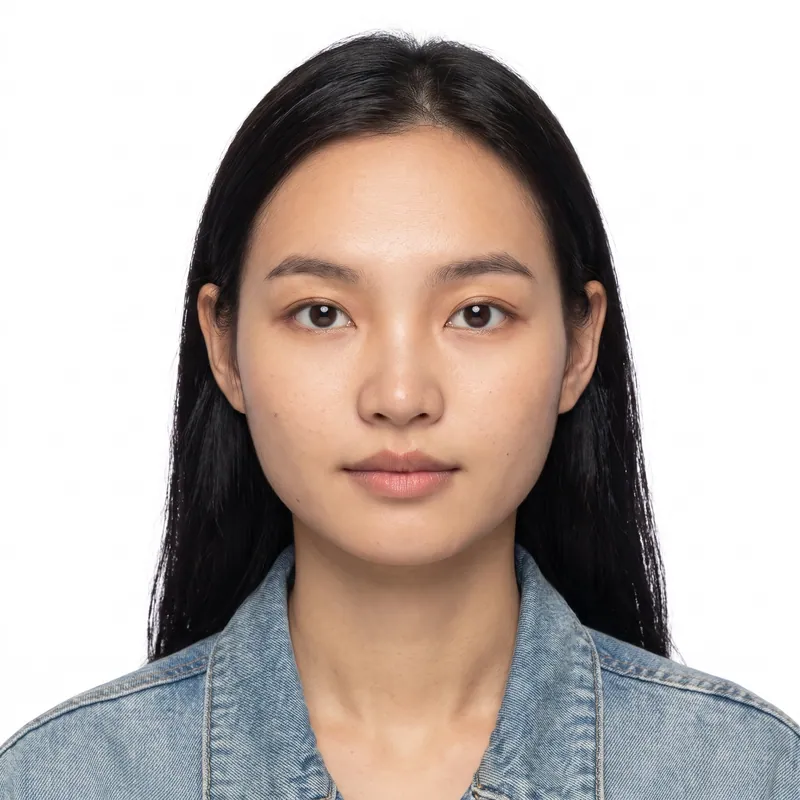
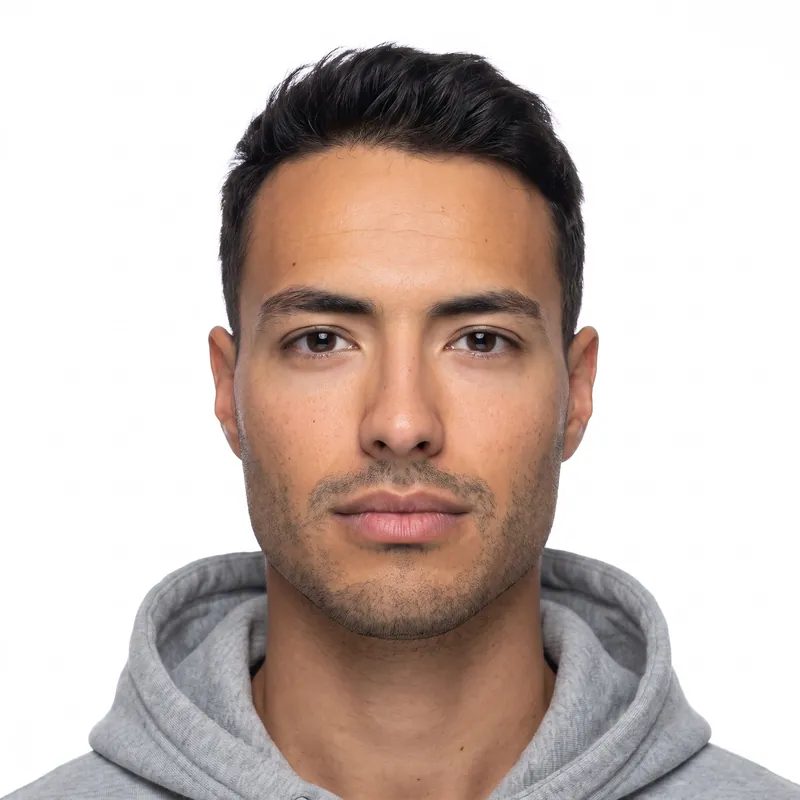
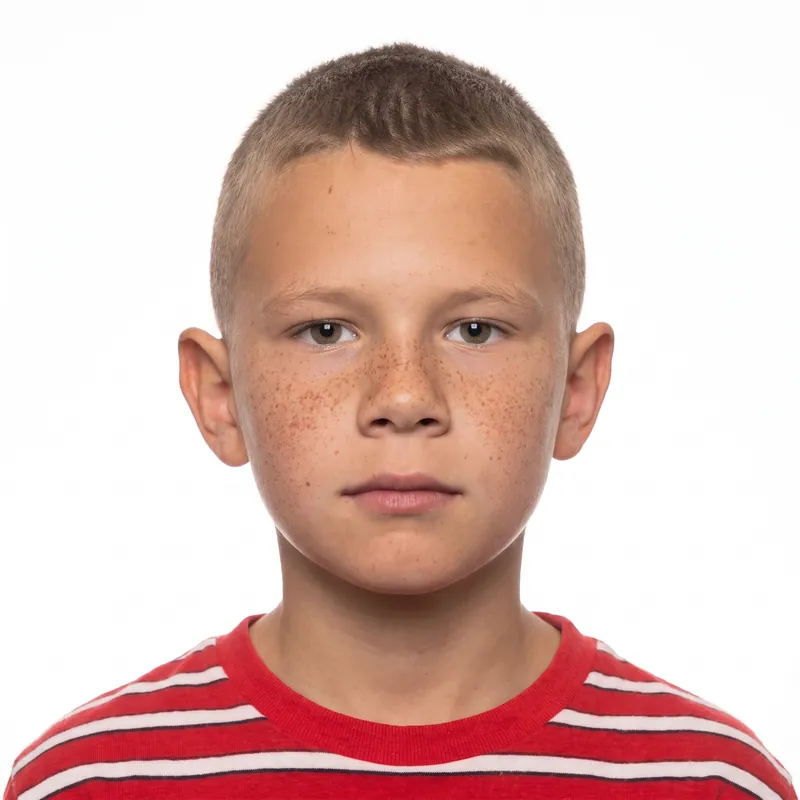
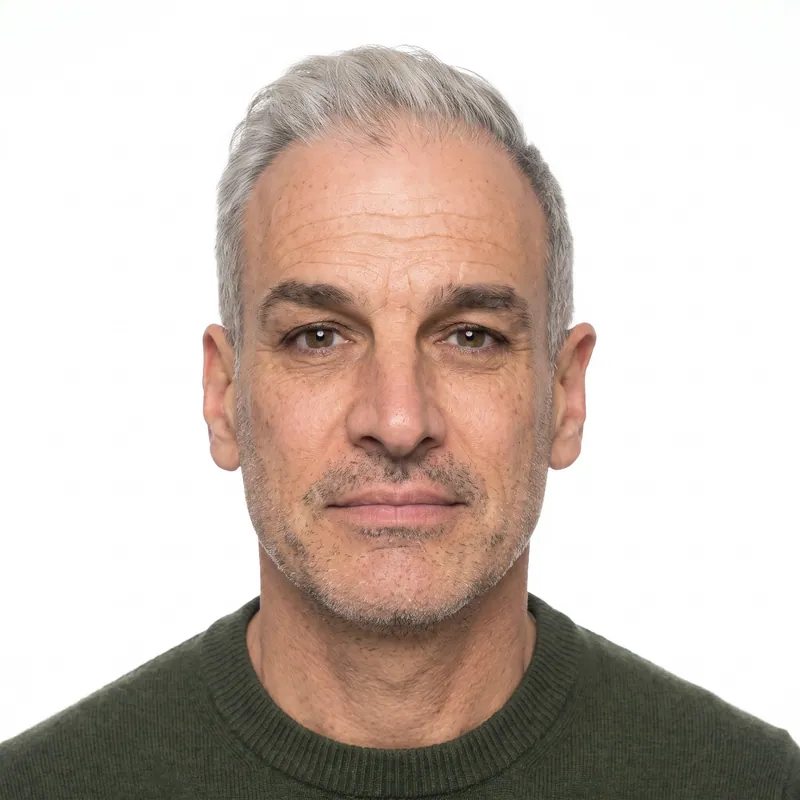
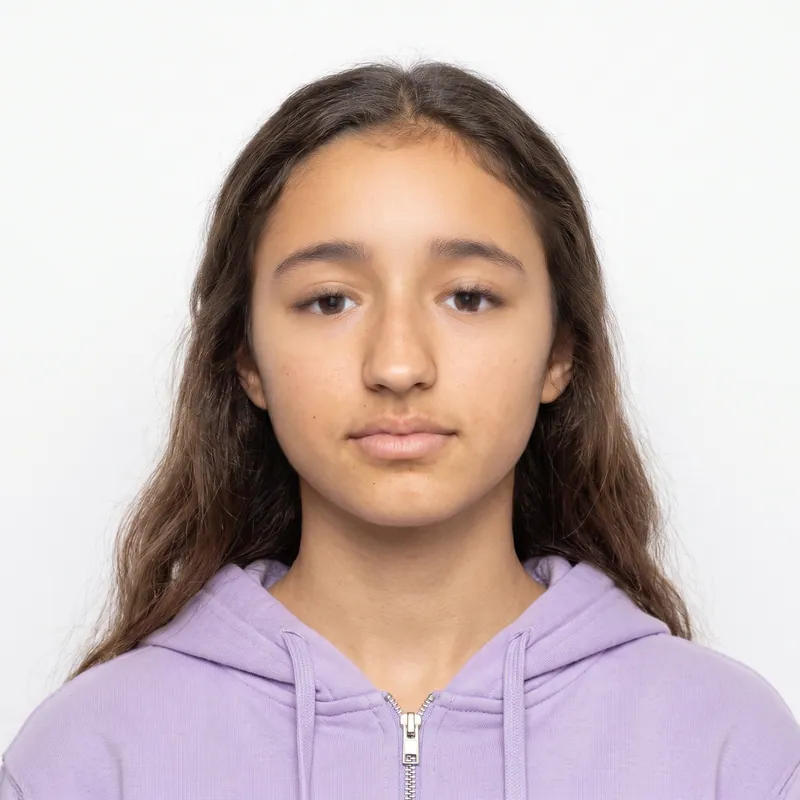
A DV lottery photo must be a square color JPEG of exactly 600 x 600 pixels, no larger than 240 KB, taken within the last 6 months on a plain white or off-white background, with the head filling 50% to 69% of the image. Every entrant, including your spouse and each child, needs their own photo, and a photo that breaks the rules can disqualify the entry. PhotoForPass makes a compliant file in about a minute.
- 14-day money-back guarantee
- Photo stays on your device until you pay
- Checked against official rules
Key takeaways
- The E-DV entry form expects a 600 x 600 pixel JPEG of 240 KB or less. Files that are not JPEG, too big or the wrong size are rejected.
- A photo that passes the upload can still disqualify the entry later, for example a reused photo from a previous year or an edited face.
- Each person on the entry needs their own photo. Children must look at the camera with their eyes open.
- Entering the DV program costs nothing on the official site, dvprogram.state.gov. PhotoForPass sells only the photo.
At a glance
- Dimensions
- Exactly 600 x 600 pixels, square
- Format
- JPEG (.jpg), color
- File size
- 240 KB or less
- Head height
- 300 to 414 px (50% to 69% of the image)
- Eye line
- 338 to 413 px up from the bottom (56% to 69%)
- Background
- Plain white or off-white, no shadows
- Taken
- Within 6 months; never a photo from a previous entry
- Who needs one
- You, your spouse and each child on the entry
- Photo size
- 2 x 2 in (50.8 x 50.8 mm)
- Head heightchin to top of head
- 1 to 1 3/8 in (25.4 to 34.9 mm)
- Eye linefrom the bottom edge
- 1 1/8 to 1 3/8 in (28.6 to 34.9 mm)
- Background
- Plain white or off-white, no shadows, texture or objects.
- Glasses
- Not allowed.
- Expression
- Neutral, both eyes open, full face toward the camera.
- Taken
- Taken within the last 6 months.
DV lottery photo requirements
The DV lottery photo rules come from the State Department's instructions for each program year, plus the visa photo standards in 9 FAM 303.6. The numbers below are from the DV-2026 instructions, which we checked in full. Check the instructions for the year you enter when the registration period opens, in case anything changes.
One detail causes confusion. The general U.S. visa photo page accepts square images from 600 to 1200 pixels, but the DV instructions say 600 x 600 pixels. A file of exactly 600 x 600 satisfies both, so that is the size to use.
| Requirement | DV lottery rule |
|---|---|
| Dimensions | 600 x 600 pixels, square |
| Format | JPEG, color |
| File size | 240 KB or less |
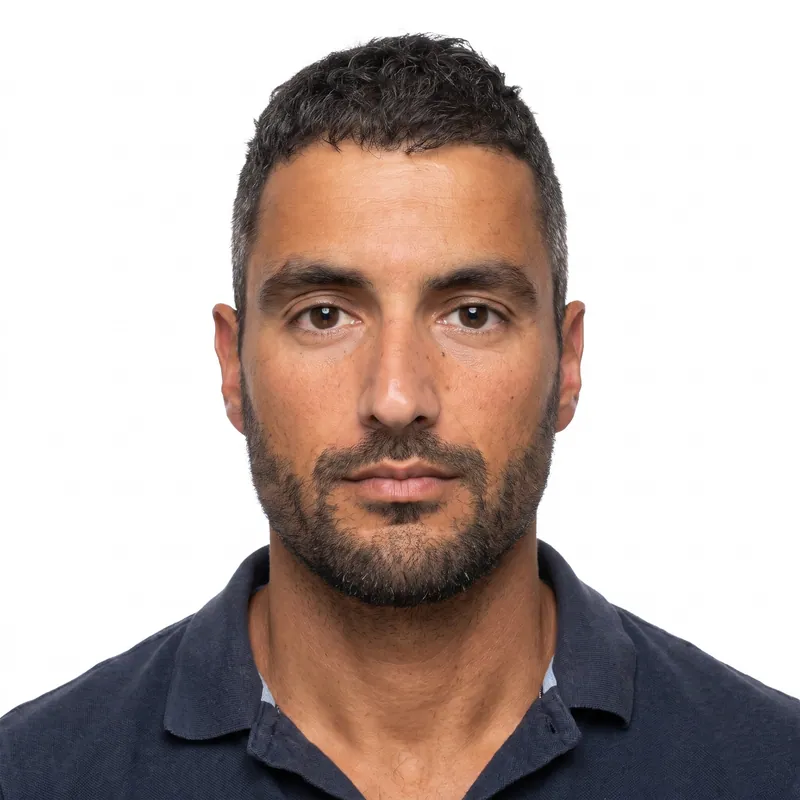
| Head height | 50% to 69% of the image height (300 to 414 px), chin to top of head |
| Eye line | 56% to 69% of the image height from the bottom (338 to 413 px) |
| Background | Plain white or off-white, no shadows, texture or objects |
| Expression | Neutral, both eyes open, full face toward the camera |
| Glasses | Not allowed |
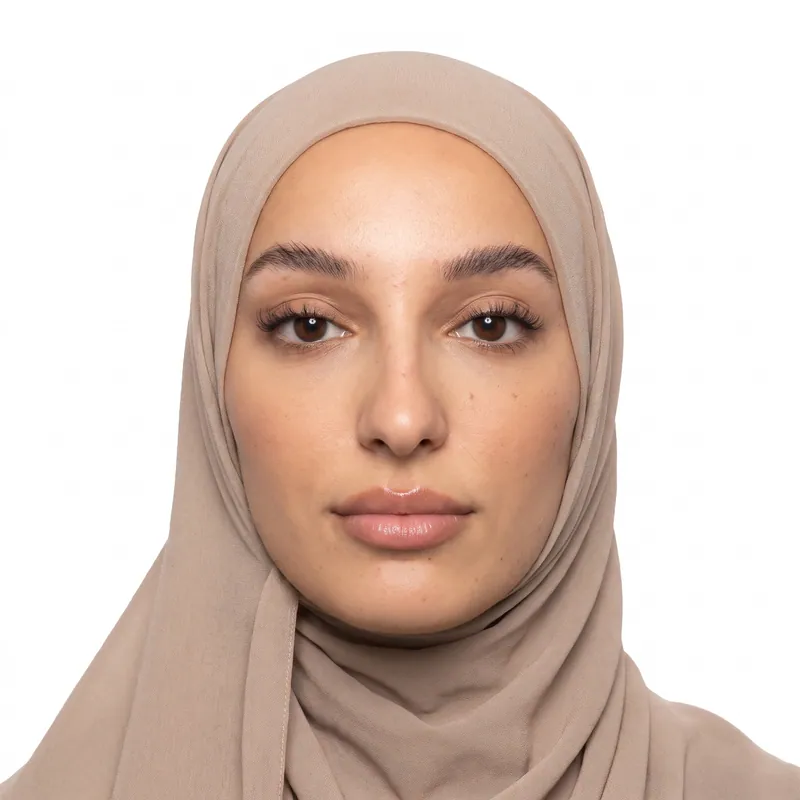
| Head covering | Only if worn daily for religious purposes; full face visible, no shadows |
| Clothing | Everyday clothing; no uniforms except daily religious clothing; no headphones (hearing devices are OK) |
| Recency | Taken within the last 6 months; do not reuse a photo from a previous DV entry |
| Scanned prints | Only a 2 x 2 in (51 x 51 mm) print scanned at 300 ppi |
| People | One person per photo; no one else visible |
Why a bad photo can disqualify your DV entry
A passport office usually asks for a new photo when there is a problem. The DV program works differently: the photo is part of your one entry, and a photo that does not meet the requirements can get the entry disqualified. Each person may submit only one entry per registration period, so you cannot fix a mistake by entering again.
Rejected by the entry form right away
- Not a JPEG file (for example PNG or HEIC).
- Larger than 240 KB.
- Not 600 x 600 pixels.
Accepted by the form, but risky for the entry
- A reused photo. A photo from a previous year's entry can disqualify you, even if it still looks like you.
- A manipulated photo. Filters, beauty modes, face swaps or edited features.
- Glasses, a hat or headphones.
- Group photos or cropped group photos, or another person visible at the edge.
- A head that is too small or too large, or a face that is turned or tilted.
- Shadows or a colored background.
Because the stakes are this high, check each photo before you submit. Our free passport photo checker runs a DV photo check in your browser without uploading anything.
Photos for your spouse and children
Every person on a DV entry needs their own photo: you, your spouse and each child you list. Read the DV instructions for who must be listed, since leaving out an eligible family member is its own problem.
Children follow the same rules as adults, with one difference from U.S. passport photos: the DV instructions ask for children to look at the camera with their eyes open. Babies are the hardest, so try these tips:
- Lay the baby on a plain white sheet and take the photo from directly above.
- Or cover a car seat with a white sheet and shoot at eye level.
- Keep your hands, arms and face out of the frame.
- Make a sound just above the camera to get their attention, and use burst mode.
Our baby passport photo guide has more setup ideas that work for DV photos too.
How to check your DV photo file before you submit
Before you upload, confirm the file is a JPEG of exactly 600 x 600 pixels and 240 KB or less. It takes under a minute on any device.
- Windows: right-click the file, choose Properties, then open the Details tab to see dimensions and size.
- Mac: select the file and press Command + I for Get Info. The More Info section shows the dimensions.
- iPhone or Android: open the file in your Files app, or swipe up on the photo, to see its size and dimensions.
Do not open and resave the file in another app after you download it. Resaving can change the pixel size or push the file over 240 KB. If you need to send it to another device, use a cable, AirDrop or a cloud drive instead of a chat app, which may compress it.
How PhotoForPass makes a DV lottery photo
PhotoForPass works as a DV lottery photo tool: it checks your photo against the DV rules, fixes it like a photo editor would, and saves the file in the exact format the entry form expects.
- Smart check before payment. Face size, centering, tilt, open eyes, closed mouth, lighting, shadows, blur and background are checked in your browser. Your photo stays on your device.
- Edit and export. After payment, we fix the lighting, replace the background with plain white, crop and size the photo so your head and eyes sit inside the official ranges, and save it as a 600 x 600 pixel JPEG under 240 KB. We never change your face, features or expression.
- Download. The file is ready in 30 to 60 seconds. The Digital photo costs $16.95; for a couple or a family, family packs cover 2 people for $29.95 or 3 people for $39.95.
You get up to 5 photo checks and 3 free redos per person, a 14-day money-back guarantee with no questions asked, and a full refund if the agency rejects the photo. PhotoForPass is not affiliated with the U.S. Department of State, and final acceptance is up to the State Department, which alone decides on every DV entry.
How to take a DV lottery photo at home
About 5 minutes
-
Step 1: Choose light and background
Stand facing a window in daylight with a plain light wall behind you. Avoid lamps to one side, which leave shadows on your face or the wall.
-
Step 2: Remove glasses and extras
Take off glasses, hats, headphones and earbuds. Hearing devices may stay. Keep a religious head covering only if you wear it daily.
-
Step 3: Frame the shot
Have someone hold the phone at eye level about 4 feet away. Include your whole head, hair and the top of your shoulders, alone in the frame.
-
Step 4: Pose
Look straight into the lens with your head level, both eyes open and a neutral expression. Take several shots and pick the sharpest.
-
Step 5: Make the 600 x 600 file
Upload the photo to PhotoForPass. After the checks pass, we fix the light, whiten the background and save a 600 x 600 pixel JPEG under 240 KB.
-
Step 6: Upload to the E-DV form
Upload the file unchanged at dvprogram.state.gov during the registration period. Repeat for your spouse and each child on the entry.
Pricing
Simple prices, no subscription
Pay once, only when you like the result. Every package includes up to 5 photo checks and 3 free redos per person.
-
Digital photo
For online forms only
$16.95- Official-size digital JPG
- Ready for online applications
- Up to 5 checks, 3 free redos
- Most popular
Photo + print sheet
Digital file and prints
$18.95- Everything in Digital
- Print-ready 4x6 sheet (JPG + PDF)
- Print at home, CVS, Walgreens or Walmart
-
Family pack, 2 people
Two people, one order
$29.95- Photo + print sheet for 2 people
- Each person checked separately
- One checkout
- Best value
Family pack, 3 people
Three people, one order
$39.95- Photo + print sheet for 3 people
- Each person checked separately
- One checkout
FAQ
Frequently asked questions
What size is a DV lottery photo?
A DV lottery photo must be a square color JPEG of 600 x 600 pixels and no more than 240 KB. The head should fill 50% to 69% of the image height, which is 300 to 414 pixels, and the eyes should sit 338 to 413 pixels above the bottom edge. The background must be plain white or off-white.
Can I use a 1200 x 1200 photo for the DV lottery?
Use 600 x 600 instead. The general U.S. visa photo page accepts square images up to 1200 x 1200 pixels, but the DV instructions specify 600 x 600 pixels, and the entry form rejects files that are not that size. Exporting exactly 600 x 600 pixels at 240 KB or less meets both rules.
What happens if my DV lottery photo is wrong?
The E-DV entry form rejects files that are not JPEG, over 240 KB or not 600 x 600 pixels. Other problems, such as a reused or manipulated photo, glasses or a bad background, may not be caught by the form but can get the entry disqualified. Since each person may submit only one entry per period, check the photo before you submit.
Can I reuse my photo from last year's DV lottery entry?
No. The DV instructions say not to reuse a photo from a previous entry, and doing so can disqualify you, even if the photo is recent enough and still looks like you. The photo must be taken within the last 6 months. Take a new photo for every DV program year.
Can I wear glasses in my DV lottery photo?
No. Glasses are not allowed in DV lottery photos, the same as in U.S. visa photos. Take them off before the photo, even if the lenses are clear and there is no glare. Hearing devices are allowed, but headphones and wireless earbuds are not.
Does my baby need a DV lottery photo?
Yes. Each child on your DV entry needs their own photo, including babies. The DV instructions ask for the child to look at the camera with eyes open and for no other person to appear in the photo. Lay the baby on a plain white sheet, or use a car seat covered with a white sheet, and shoot straight on.
Can I take my DV lottery photo with a phone?
Yes. A phone photo works if the light is even, the background is plain and the camera is at eye level about 4 feet away. The phone photo will not be 600 x 600 pixels, though, so it must be cropped and resized. PhotoForPass does that and saves a JPEG under 240 KB.
Is a DV lottery photo the same as a passport photo?
The composition is almost the same: a square photo, head 50% to 69% of the height, plain white or off-white background, no glasses. The differences are that the DV photo is digital only, exactly 600 x 600 pixels and 240 KB or less, and children must have their eyes open, while U.S. passport rules let newborns close their eyes.
How do I check my DV photo's size and pixels?
On Windows, right-click the file, choose Properties and open the Details tab. On a Mac, select the file and press Command + I. Confirm it says 600 x 600 pixels and 240 KB or less, and that the file ends in .jpg. For face size, background and lighting, use the free PhotoForPass photo checker in your browser.
Can I scan an old printed photo for the DV lottery?
Only if it is a 2 x 2 inch (51 x 51 mm) print scanned at 300 pixels per inch, which gives 600 x 600 pixels. The photo must still be taken within the last 6 months and meet every other rule. Never scan a photo from an ID or a previous DV entry.
Does it cost money to enter the DV lottery?
No. The U.S. Department of State does not charge a fee to enter the Diversity Visa program, and entries are made only on the official site, dvprogram.state.gov. PhotoForPass does not submit entries. It only makes the photo, which costs $16.95 for the digital file.
Can I wear a hijab in my DV lottery photo?
Yes, if you wear it daily for religious purposes. Your full face must be visible and the covering must not cast shadows on your face. Hats and head coverings worn for other reasons are not allowed. Read the head covering wording in the DV instructions for the year you enter.
Related
- US visa photo DS-160 and DS-260 digital photo
- Green card photo For I-485, I-765, I-131 and I-90
- Passport photo checker Check a photo against the rules
- Digital passport photo A file sized for online forms
- Baby passport photo Newborn and infant photos, done at home
- Size in pixels Pixels, DPI and file size
- 2x2 photo maker Any 2 x 2 inch photo in about a minute
- Glasses rules When glasses are and are not allowed
Official sources
We check these pages when the rules change. Last updated Nov 8, 2026.
- DV-2026 Instructions (U.S. Embassy Cameroon copy) (opens in a new tab)
- DV-2026 Instructions and FAQs (U.S. Department of State PDF) (opens in a new tab)
- 9 FAM 303.6 Facial Recognition: visa photo standards (opens in a new tab)
- U.S. Department of State: Digital Image Requirements (opens in a new tab)
Ready when you are
Get your DV lottery photo
Check your photo in your browser, then download a 600 x 600 pixel JPEG under 240 KB in about a minute. 14-day money-back guarantee.
- 14-day money-back guarantee
- Photo stays on your device until you pay
- Checked against official rules
Every document
Photos for passports, visas and IDs
Each document has its own size and rules. Pick yours and we set everything up.